
Uniapp动态切换主题与老年模式的实现方法_javascript技巧
步骤1:定义主题变量
在 uni.scss 或单独的 theme.scss 中定义CSS变量:
/* 默认主题 */:root { --primary-color: #007AFF; --text-color: #333; --bg-color: #FFFFFF; --font-size-base: 14px;}/* 老年模式 */.theme-elderly { --primary-color: #FF6A00; --text-color: #000; --bg-color: #F5F5F5; --font-size-base: 18px;}/* 暗黑主题 */.theme-dark { --primary-color: #4CD964; --text-color: #FFFFFF; --bg-color: #1A1A1A; --font-size-base: 16px;}
步骤2:在页面中使用变量
步骤3:动态切换主题
// 在App.vue或全局状态管理中export default { data() { return { themeClass: '' } }, methods: { switchTheme(theme) { this.themeClass = `theme-${theme}`; // 保存到本地存储 uni.setStorageSync('appTheme', theme); } }, onLaunch() { // 初始化主题 const savedTheme = uni.getStorageSync('appTheme') || 'default'; this.switchTheme(savedTheme); }}
// 定义主题映射$themes: ( default: ( primary-color: #007AFF, text-color: #333, bg-color: #FFFFFF, font-size-base: 14px ), elderly: ( primary-color: #FF6A00, text-color: #000, bg-color: #F5F5F5, font-size-base: 18px ), dark: ( primary-color: #4CD964, text-color: #FFFFFF, bg-color: #1A1A1A, font-size-base: 16px ));// 主题混合@mixin theme() { @each $theme, $map in $themes { .theme-#{$theme} & { $theme-map: () !global; @each $key, $value in $map { $theme-map: map-merge($theme-map, ($key: $value)) !global; } @content; $theme-map: null !global; } }}// 获取主题值的函数@function themed($key) { @return map-get($theme-map, $key);}// 使用示例.text { @include theme() { color: themed('text-color'); font-size: themed('font-size-base'); }}
对于更复杂的主题管理,可以结合 Vuex :
对于需要完全更换样式表的情况:
// 动态加载CSSfunction loadThemECSS(theme) { // 移除旧主题样式 const oldLink = document.getElementById('theme-style'); if (oldLink) { document.head.removeChild(oldLink); } // 创建新链接 const link = document.createElement('link'); link.id = 'theme-style'; link.rel = 'stylesheet'; link.href = `/static/css/theme-${theme}.css`; document.head.appendChild(link);}// 在uniapp中可能需要使用条件编译// #ifdef H5loadThemeCSS('dark');// #endif
老年模式除了主题变化外,通常还需要:
// 在老年模式下隐藏复杂元素
// 保存设置function saveSettings() { uni.setStorage({ key: 'appSettings', data: { theme: this.currentTheme, isElderlyMode: this.isElderlyMode } });}// 读取设置function loadSettings() { const settings = uni.getStorageSync('appSettings'); if (settings) { this.$store.commit('theme/SET_THEME', settings.theme || 'default'); this.$store.commit('theme/TOGGLE_ELDERLY_MODE', settings.isElderlyMode || false); }}
/* 定义主题变量 */:root { /* 默认主题 */ --primary-color: #007AFF; --text-color: #333333; --bg-color: #FFFFFF; --font-size-base: 14px; --btn-padding: 8px 16px;}/* 老年模式 */.theme-elderly { --primary-color: #FF6A00; --text-color: #000000; --bg-color: #F5F5F5; --font-size-base: 18px; --btn-padding: 12px 24px;}/* 暗黑主题 */.theme-dark { --primary-color: #4CD964; --text-color: #FFFFFF; --bg-color: #1A1A1A; --font-size-base: 16px; --btn-padding: 10px 20px;}
{ "pages": [ // ...其他页面 { "path": "pages/theme/theme", "style": { "navigationBarTitleText": "主题切换演示" } } ]}
如果项目未安装Vuex,先安装:
完整项目结构如下:
├── pages│ └── theme│ └── theme.vue # 主题演示页面├── static├── store│ ├── index.js # Vuex主文件│ └── modules│ └── theme.js # 主题模块(可选)├── uni.scss # 全局样式变量├── main.js # 项目入口├── App.vue # 根组件└── pages.json # 页面配置
老年模式布局错乱:
通过以上方案,你可以在 Uniapp 中实现灵活的主题切换和老年模式功能,根据项目需求选择适合的方案或组合使用多种方案。
以上就是Uniapp动态切换主题与老年模式的实现方法的详细内容,更多关于Uniapp动态切换主题的资料请关注脚本之家其它相关文章!
本文地址: https://www.earthnavs.com/jishuwz/ffe87520c3af250577c0.html

跨境王WhatsApp群发软件,可以自动批量注册WhatsApp账号,自动养号,群发WhatsApp消息,群发WhatsApp广告,实现WhatsApp引流,做WhatApp营销的必备软件
国内首屈一指的技术教程活动导航分类平台,站点已累计收录数千网站,累计为中国网民提供多达数亿的访问点击,满足用户随时查阅最全面最权威的文章资讯教程
616导航网导航(616dh.cn)万能秒收录,免费收录网|网站导航大全|是汇集互联网优质网址收录导航的网站,本站立志成为综合网址导航的领导者和全国知名导航网的领先者!
Getthenewsasitbreaksandgobehindtheday
Thisisabrowserpluginfordevelopers,cross-borderworkers,andresearchinstitutestosecureandspeedInternetsurfing.
腾讯网从2003年创立至今,已经成为集新闻信息,区域垂直生活服务、社会化媒体资讯和产品为一体的互联网媒体平台。腾讯网下设新闻、科技、财经、娱乐、体育、汽车、时尚等多个频道,充分满足用户对不同类型资讯的需求。同时专注不同领域内容,打造精品栏目,并顺应技术发展趋势,推出网络直播等创新形式,改变了用户获取资讯的方式和习惯。
新浪网新闻中心是新浪网最重要的频道之一,24小时滚动报道国内、国际及社会新闻。每日编发新闻数以万计。
融云,专业、简单、稳定的全球互联网通信云服务商。向开发者和企业提供即时通讯/实时音视频通信/大模型API等通讯服务,支持多种语言和部署模式:公有云、私有云、专有云和混合云,服务盖全球所有国家及地区。
资源网站:致力于为用户提供丰富多样的资源,包括网络创业项目、学习资料、实用工具、行业资讯等各类信息,通过我们的平台,您可以方便地获取到各种优质的资源。

大老表资源网欢迎您!大老表每天都会准时更新!专注分享各种免费实用的QQ资源技术教程。大表哥每日亲自审核最新活动资讯、网络趣事、以及各种好玩的软件工具等、记得每天都要访问一下我们的网站、让宅男的生活更加精彩!

微软字体有哪些?当易网为用户收集了最全微软字体,包括微软雅黑字体、微软简仿宋、微软简标宋、微软简楷体、微软简行楷、微软繁标宋等等,欢迎来当易网下载。
杀毒软件大全是专为用户们提供电脑安全防护的软件,包括了360、瑞星、诺顿等等强力杀毒软件,能够一键检测木马病毒,查杀电脑顽固病毒,为您的电脑保驾护航,有需要的快来当易网下载吧!
当易网为您提供好玩的体育类游戏下载服务,这里有好玩的单机游戏下载大全中文版下载、2021年度好玩的单机游戏下载,众多好玩的单机游戏,欢迎下载。
亦是美网络,致力于操作系统应用与计算机网络技术的IT网站。
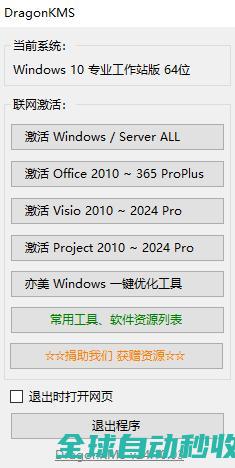
亦是美网络,致力于操作系统应用与计算机网络技术的IT网站。
亦是美网络,致力于操作系统应用与计算机网络技术的IT网站。

亦是美网络,致力于操作系统应用与计算机网络技术的IT网站。
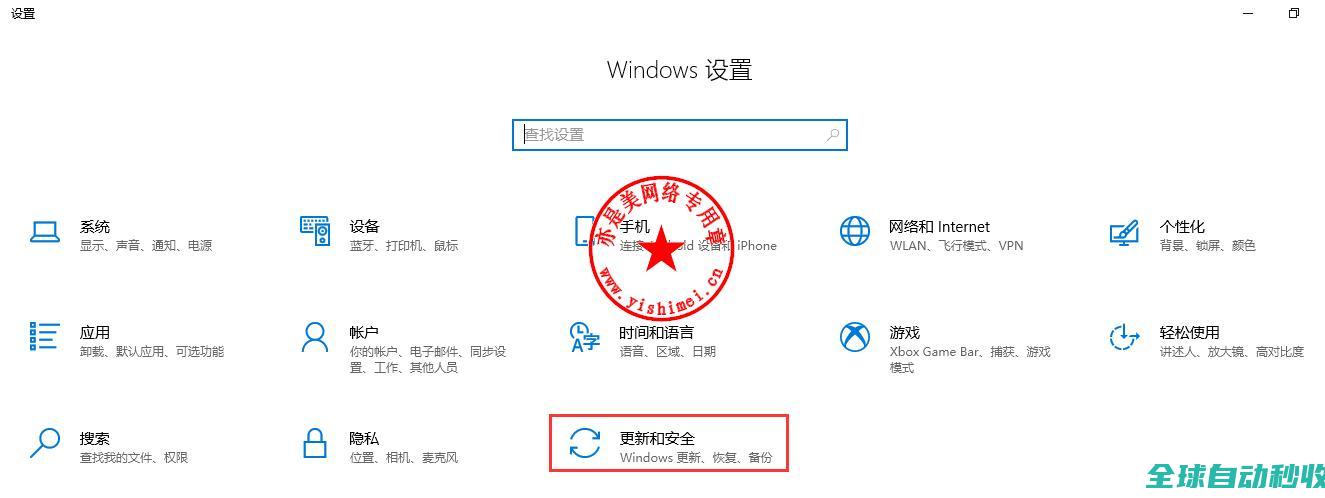
亦是美网络,致力于操作系统应用与计算机网络技术的IT网站。
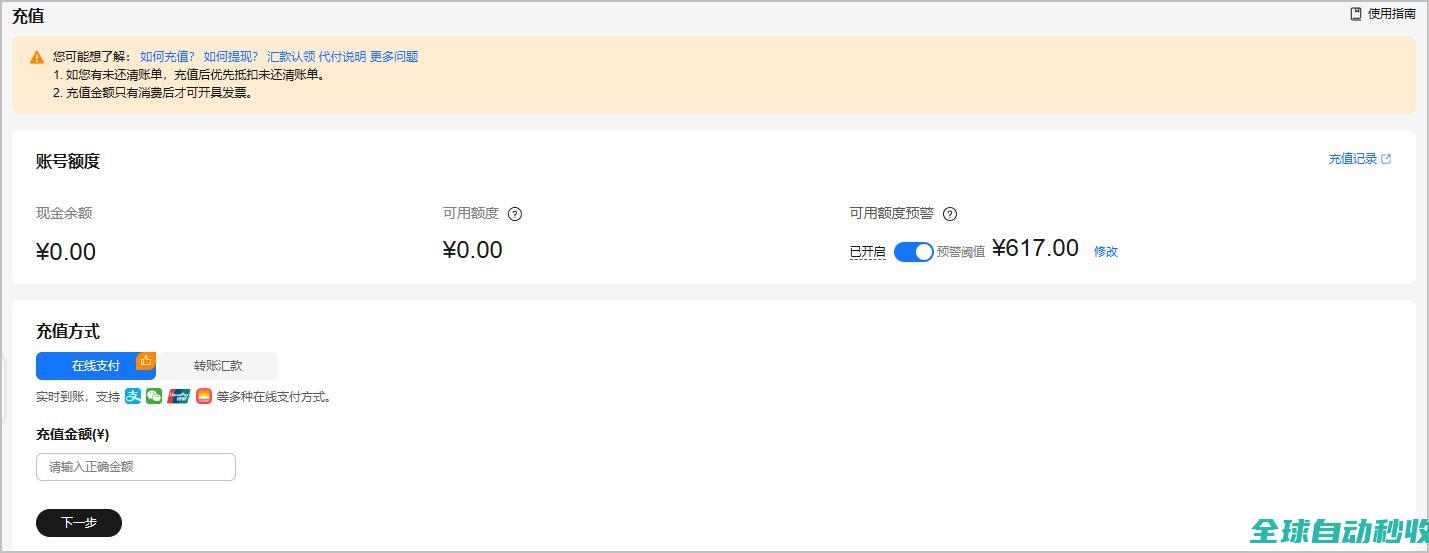
当创建新账户或账户余额不足时,客户可以对账户进行充值操作。充值前,需要先完成实名认证。客户可在“总览”页面或“充值”页面设置可用额度预警,低于设定金额系统会发送短信和邮件提醒。客户关联合作伙伴时,可以选择为顾问销售模式,还是代售模式:顾问销售模式,客户账户余额为充值所得,订单由自己支付或由伙伴代支付。代售模式,客户账户余额为合作伙伴拨款所
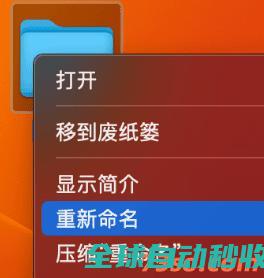
在mac苹果电脑中想对文件以及文件夹的名称进行修改也就是重命名有两种方法,下面的博文73so博客就详细的给大家介绍一下。mac文件夹重命名的方法1、鼠标右键重命名(1)、在需要修改
缓存从来都是前端的一个痛点,很多前端搞不清楚缓存到底是何物这篇文章主要介绍了前端缓存策略及其应用场景的相关资料,文中通过代码介绍的非常详细,需要的朋友可以参考下
模拟经营类手机游戏是一款在虚拟世界模拟各种角色和经营养成的游戏,包括大型大型经营类手游、经营类餐厅手游、安卓模拟经营手游等等,欢迎来当易网下载。
当易网为用户电脑保驾复航,提供国内外最强大的杀毒软件,电脑安全软件,木马查杀软件及360安全卫士、QQ电脑管家等必备安全软件下载。
远程登录软件是可以为用户提供方便、安全的远程访问功能,所以一个好的远程登录软件必不可少,当易网提供免费、安全的远程登录软件供大家下载。
亦是美网络,致力于操作系统应用与计算机网络技术的IT网站。