
前端vue中使用signalr的方法举例详解_vue.js
这一步需要指定SignalR Hub的URL。
在使用 SignalR 的 HubConnectionBuilder 时,可以通过链式方法配置连接的各个参数。以下是完整的参数配置写法和说明:
const connection = new signalR.HubConnectionBuilder() // 必填:设置 Hub 的 URL .withUrl(url, options) // 可选:配置日志 .configureLogging(logging) // 可选:配置自动重连 .withAutomaticReconnect(retryPolicy) // 可选:配置自定义 HTTP 客户端 .withHubProtocol(protocol) // 构建连接对象 .build();
.withUrl("https://example.com/chathub", { transport: signalR.HttpTransportType.WebSockets | signalR.HttpConnectionOptions.LongPolling, // 自定义传输方式(默认为自动选择) accessTokenFactory: () => "your-access-token", // 身份验证 Token(如 JWT) httpClient: customHttpClient, // 自定义 HTTP 客户端(如修改超时时间) skipNegotiation: true, // 跳过协商步骤(仅适用于 WebSocket) headers: { "X-Custom-Header": "value" }, // 自定义请求头 // WebSocket 配置 websocket: { // 自定义 WebSocket 构造函数(如代理) constructor: CustomWebSocket, }, // 是否使用默认的 `fetch` API(默认为 true) useDefaultFetch: false,})
// 简单配置日志级别.configureLogging(signalR.LogLevel.Information)// 自定义日志记录器.configureLogging({ log(logLevel, message) { console.log(`[SignalR] ${logLevel}: ${message}`); }})
// 默认策略:重试 0次、3次、10次、30次 后停止.withAutomaticReconnect()// 自定义重试间隔数组(单位:毫秒).withAutomaticReconnect([0, 2000, 5000, 10000, 30000])// 高级策略:实现 `RetryPolicy` 接口.withAutomaticReconnect({ nextRetryDelayInMilliseconds(retryContext) { if (retryContext.elapsedMilliseconds < 60000) { return Math.random() * 1000; // 随机延迟 <1s } return null; // 停止重连 }})
// 使用 MessagePack 二进制协议.withHubProtocol(new signalR.protocols.msgpack.MessagePackHubProtocol())// 自定义协议(需实现 IHubProtocol)
.withUrl(url, { withCredentials: true })
根据实际需求选择配置项,确保兼容 SignalR 客户端库的版本。
启动连接是指让前端与SignalR Hub建立实际的连接。
客户端方法是指SignalR Hub调用时客户端执行的函数。通过这些方法,前端可以响应来自服务器的实时通知。
// 实时接收服务端信息(服务端-->客户端)connection.on('监听后端命名的方法A返回的数据:名称一般和invoke配套',(message) => { console.log('接受的信息Info message:', message); // 做一些赋值操作,把后端传来的数据渲染到页面});// 例:connection.on("ReceiveMessage", (user, message) => { const msg = `${user}: ${message}`; const li = document.createElement("li"); li.textContent = msg; document.getElementById("messagesList").appendChild(li);});
前端可以通过调用SignalR Hub的方法来发送消息到服务器。通常,这些方法是用户操作(如点击按钮)触发的。
// 客户端与服务端进行沟通(客户端-->服务端),客户端调取后端的方法进行通讯,后端返回信息connection.invoke("后端命名的方法A", "一些后端需要的变量根据自己需求填写")// 例:connection.invoke('SendData', 'Hello, SignalR!');
实时聊天应用使用SignalR最常见的场景之一就是实时聊天应用。通过SignalR,可以实现客户端之间的实时消息传递。
实时数据更新SignalR也可以用于实时数据更新,如股票行情、体育比赛比分等。这些应用需要频繁地从服务器获取最新数据,并实时更新到前端界面。
通知系统在一些应用中,当有新的事件发生时,需要实时通知用户。例如,在电商平台中,当有新的订单或者库存变化时,需要及时通知管理员。
以下是一个在 Vue 3 中使用 SignalR 实现连接、发送和接收数据的完整案例,包含详细注释和关键配置:
在 src/utils/signalR.js 中封装连接逻辑:
import { HubConnectionBuilder, LogLevel } from '@microsoft/signalr'export default { // 创建连接 createConnection(url, options = {}) { return new HubConnectionBuilder() .withUrl(url, options) .withAutomaticReconnect([0, 2000, 10000, 30000]) // 自定义重连策略 .configureLogging(LogLevel.Information) .build() }, // 启动连接 async startConnection(connection) { try { await connection.start() console.log('SignalR 连接成功') return true } catch (err) { console.error('SignalR 连接失败:', err) return false } }, // 关闭连接 async stopConnection(connection) { if (connection) { await connection.stop() console.log('SignalR 连接已关闭') } }}
// Hub 类public class ChatHub : Hub{ // 客户端调用此方法发送消息 public async Task SendMessage(string message) { // 广播消息给所有客户端(方法名 ReceiveMessage 需与前端匹配) await Clients.All.SendAsync("ReceiveMessage", Context.User.Identity.Name, message); }}// Startup.cs 或 Program.cs 中配置app.UseEndpoints(endpoints =>{ endpoints.MapHub 跨域问题:确保服务端启用 CORS: services.AddCors(options => options.AddPolicy("AllowAll", builder => builder.AllowAnyOrigin() .AllowAnyMethod() .AllowAnyHeader())); 身份验证:如果使用 JWT,需在 .withUrl(this.hubUrl, { accessTokenFactory: () => localStorage.getItem('token')}) 协议兼容:默认使用 JSON 协议,如需二进制优化可切换为 MessagePack: import { MessagePackHubProtocol } from '@microsoft/signalr-protocol-msgpack'this.connection = new HubConnectionBuilder() .withHubProtocol(new MessagePackHubProtocol()) 错误处理:建议全局监听错误: this.connection.onreconnecting((error) => { console.log('正在尝试重新连接...', error)}) 性能优化:在频繁通信场景下,建议使用 WebSocket 传输(需服务端支持): .withUrl(url, { transport: HttpTransportType.WebSockets }) 通过这个案例,你可以快速实现: 到此这篇关于前端vue中使用signalr的文章就介绍到这了,更多相关前端vue使用signalr内容请搜索脚本之家以前的文章或继续浏览下面的相关文章希望大家以后多多支持脚本之家!withUrl 配置中传递 Token:
本文地址: https://www.earthnavs.com/jishuwz/d903e5ee85cb73d7c36c.html

郁金香灬老师游戏技术论坛
人人都是产品经理致力为产品新人、产品经理等广大产品爱好者打造一个良好的学习交流平台。深度剖析国内外互联网业内动态,分享产品设计、交互设计、视觉设计、用户体验设计、产品运营、用户增长、私域运营、小红书运营、视频号运营、抖音运营、产品市场和项目管理等专业产品知识。

Livenews,investigations,opinion,photosandvideobythejournalistsofTheNewYorkTimesfrommorethan150countriesaroundtheworld.SubscribeforcoverageofU.S.andinternationalnews,politics,business,technology,science,health,arts,sportsandmore.
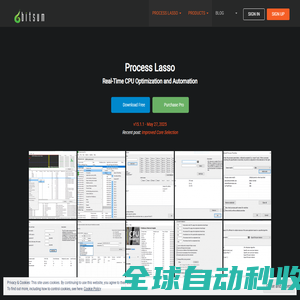
Real-TimeCPUOptimizationandAutomation.KeepyourPCresponsiveduringhighCPUloadsandautomateprocesssettingswithrules.AppsrunYOURWAY!
该站点未添加描述description...

国家重点新闻网站,拥有十个语种独立新闻采编、报道和发布权;第一时间报道国家重大新闻事件;国情信息库服务全球读者了解中国;国务院新闻办公室发布会独家网络直播发布网站;拥有国内外顶级学者专家资源,独家编发各种相关政策解读。
我们梵吉seo专注百度SEO优化领域,本站总结了seo基础入门教程,让零基础的朋友可以快速学会SEO,并提供了SEO快速进阶技术、百度云视频教程、seo面试测试题、seo实战培训。希望可以帮助到更多的新手朋友们!
全考通资源网提供考试资源下载,一级建造师、二级建造师、造价师、消防工程师、建筑师、资格考试、安全工程师、咨询工程师、公务员、考研、经济师、英语四六级等热门考试课件免费下载及分享平台。
该站点未添加描述description...

聚仁榜精选导航是一个精选优质网站的网址导航平台,涵盖生活、学习、工作等多个领域,帮助用户快速找到所需资源。

这篇文章主要介绍了使用Vue + Tippy.js打造高定制浮层提示组件(Tooltip/Popover)的相关资料,支持延迟显示、手动控制、响应式内容及图片图标等功能,适用于Tooltip、Popover、关键词推荐等场景,文中通过代码介绍的非常详细,需要的朋友可以参考下

本文对比JavaScript中的Set与Map,Set存储唯一值用于去重和成员检测,Map管理键值对支持任意键类型,两者性能均优,选择Set处理唯一性数据,选择Map管理关联数据,提升代码效率,感兴趣的朋友一起看看吧
当易网为玩家提供大量变态版手机游戏下载,玩家上线即可享受到满vip的体验,且充值往往优惠多多,福利满满,欢迎来当易网下载。
本工具是定制的,无广告无联网一机一码加密小工具。它只能加密部分无壳软件,它并不支持有壳软件加密,也不是所有无壳都能加。软件需在要纯英文路径下使用,如你系统名是中文,请不要在桌面上运行,可以放D盘下运行。

亦是美网络,致力于操作系统应用与计算机网络技术的IT网站。
亦是美网络,致力于操作系统应用与计算机网络技术的IT网站。
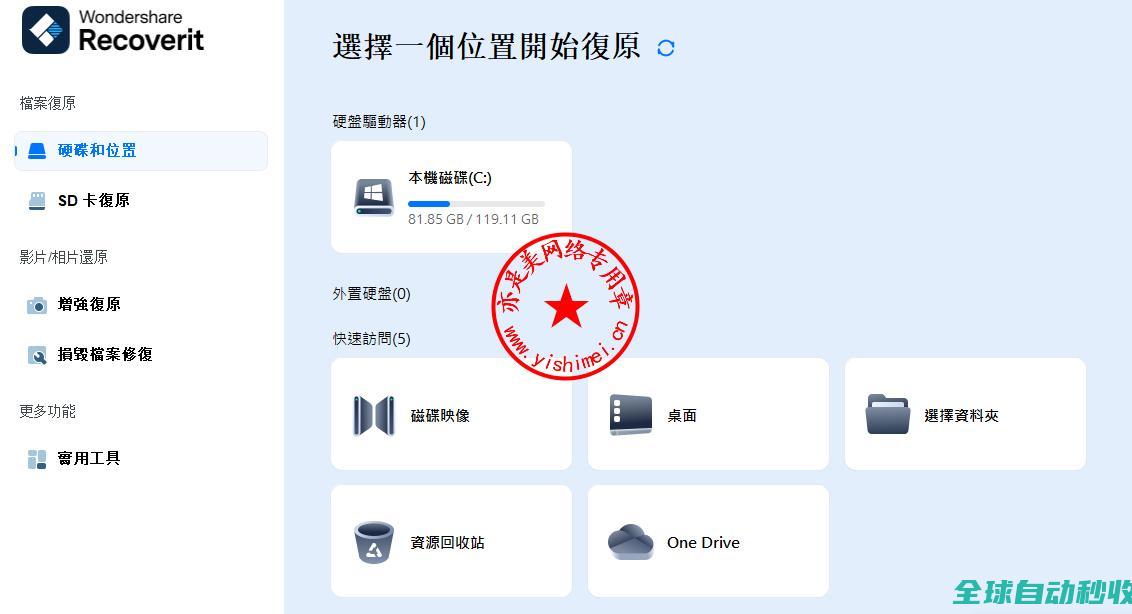
亦是美网络,致力于操作系统应用与计算机网络技术的IT网站。

在mysql中,创建,显示与删除数据库是最基本的数据库管理操作,下面本博客就详细的说一下mysql的创建,显示与删除的命令。mysql创建数据库在mysql中可以使用下面的命令来创
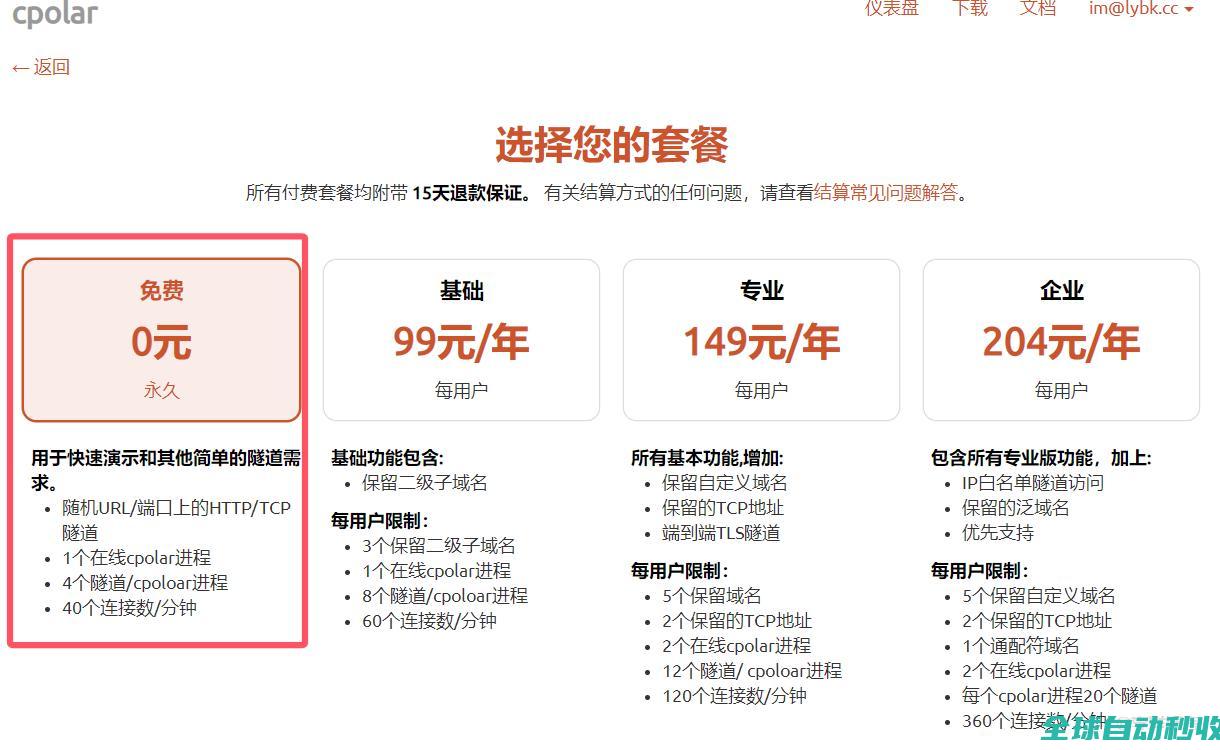
在打工人的日常里,总有种“近在眼前却摸不着”的崩溃:在家或公司辛辛苦苦搭好宝塔面板,结果一离开局域网,就像忘带家门钥匙似的——想操作?门儿都没有!这要是在外头突然要改个配置,急得直跺脚也没用。别急,今天就给大...
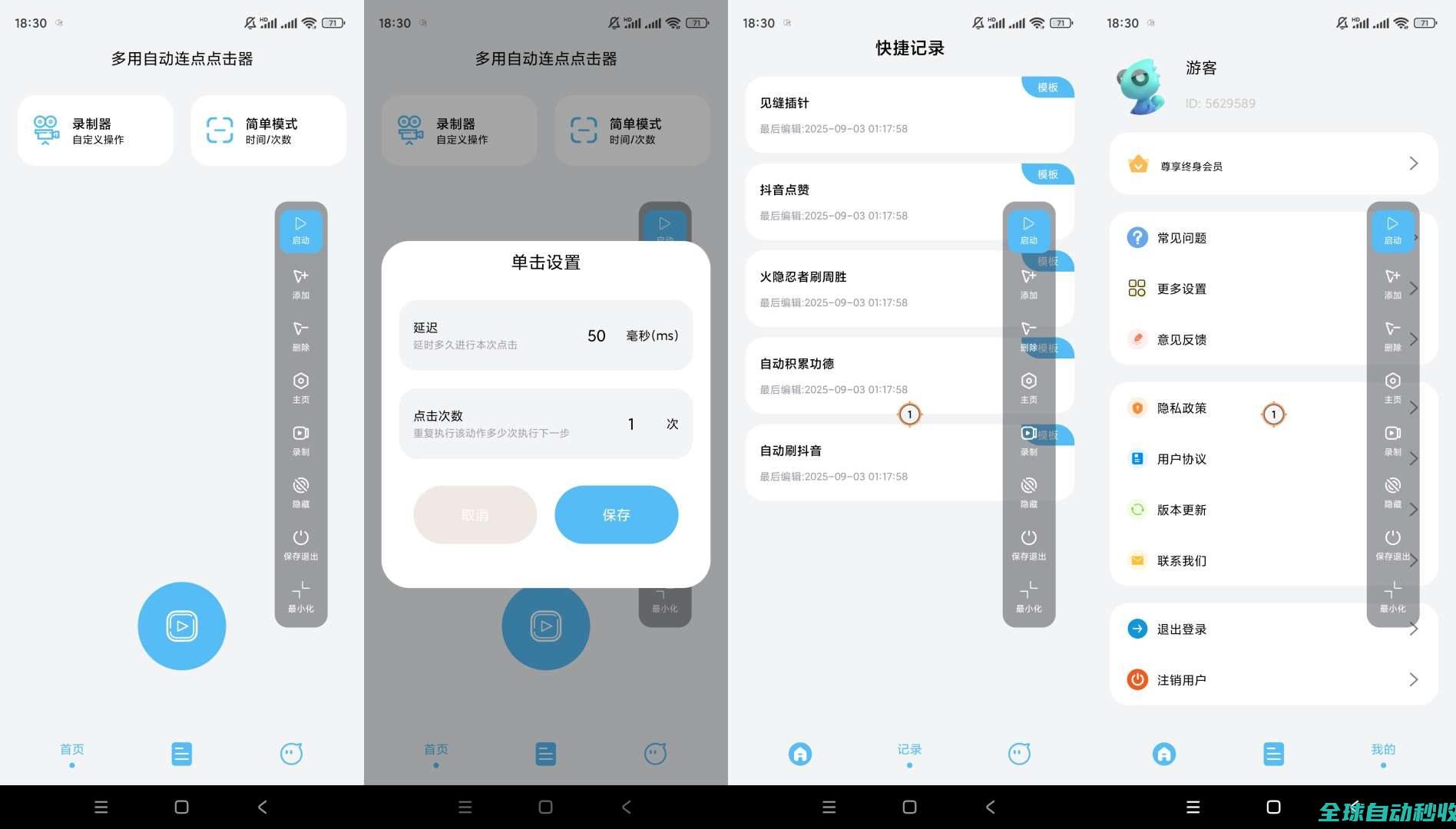
【软件名称】:多用自动连点点击器解锁会员【软件版本】:v1.0.6【软件大小】:34m【官方介绍】:多用自动连点点击器是一款强大的工具,帮助用户自动执行点击操作。以下是其主要功能和亮点的使用介绍:主要...
文章介绍如何通过React+AntDesign自定义Input输入框样式,利用variant属性实现下划线边框,并通过Form的requiredMark属性将必选标志置于label右侧,提供完整代码示例及关注鼓励,感兴趣的朋友一起看看吧
在前端开发中,给网页或图像添加水印是一项常见的需求,给图片加水印,就是给它们纹上一个独特的
在Uniapp中实现动态切换主题和老年模式(大字体、高对比度等)可以通过以下几种方式实现,下面我将详细介绍每种方案的实现方法,需要的朋友可以参考下
当易网为您提供2021权威的音频转换排行榜,为您推荐热门的音频转换,如全能音频转换器、mp3格式转换器等软件,让你快速转换需要的音频格式,欢迎下载。

亦是美网络,致力于操作系统应用与计算机网络技术的IT网站。